The other option to add pictures from PhotoPost:
Hit Reply to Thread or Start a New Thread.
Open a new tab by going up to the left side of your window and click on file.
(I add this because not everyone knows it.)
The following option will pop up.
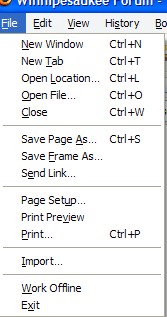
Click new tab and a new window will open.
Go to PhotoPost.
You can now navigate between PhotoPost and a thread to which you are posting.
Upload your images to PhotoPost.
Once your images are uploaded and show up, right click the picture.
This window will pop up:
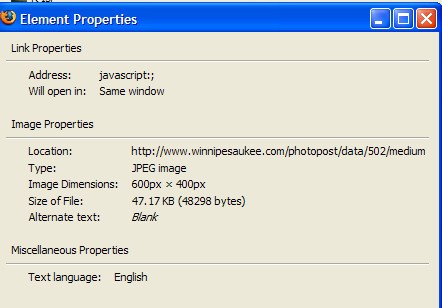
Highlight and copy the location and go back to your Reply/New Post description.
Click on

that is in the tool bar and the following prompt will come up.
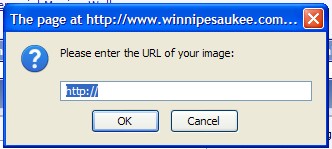
Paste the location you took from your picture in PhotoPost and click ok.
Click on the Preview Post button and your picture should be there.